
Google Maps or Apple Maps in Tulum? Use Google — Here's Why
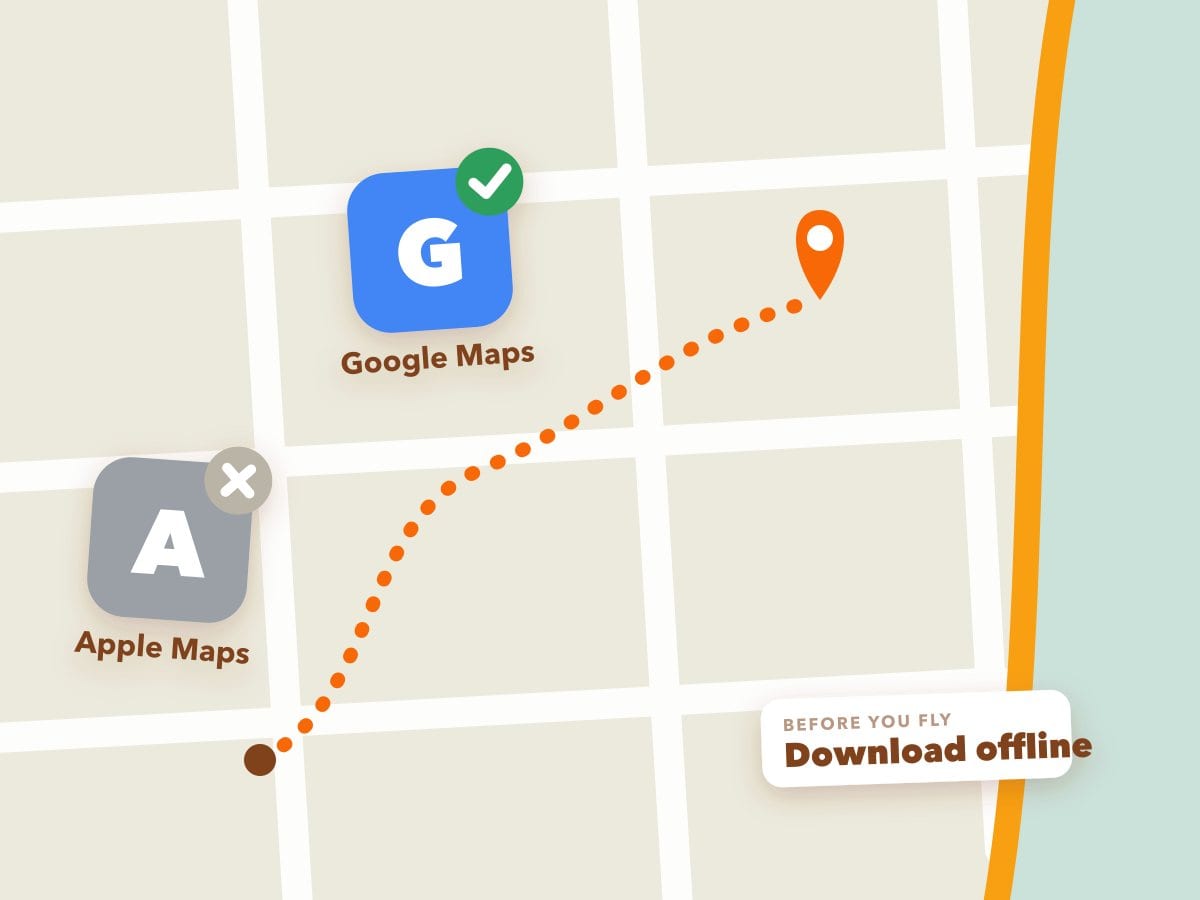
Short version: use Google Maps while you're in Tulum. Not because it's better software — because it's the one that actually knows what's here.
This sounds like a small thing. It isn't. It's the difference between finding the taco place everyone told you about and standing on a corner wondering whether you're in the right part of town.
The real reason: businesses aren't on Apple Maps here
In Tulum, a Google Business Profile is how a business exists online. Restaurants, cenotes, beach clubs, dive shops, gyms, rental shops like ours — almost all of us maintain a Google listing with photos, hours, a phone number and reviews.
Comparatively few of those same businesses are on Apple Maps, and the ones that are often have thinner, older information. Search for a small restaurant in Centro on each and the difference is immediate: one has twenty photos and four hundred reviews, the other has a pin and a name, if that.
We are on Apple Maps ourselves, with both stores — but we are unusual, and the gap is not closing quickly. There is a reason for that, and it is worth knowing if you are wondering why your map looks so empty.
Apple's verification process is slow in a way Google's is not. We have had changes sitting unverified with Apple for five months. The same change on Google Business Profile is typically live in days, sometimes hours. If you run a small shop in Tulum with better things to do, you do the one that works and you give up on the one that does not — which is precisely why so few businesses here have a usable Apple listing.
None of which helps you on a week's holiday. You want the map that already knows where things are.
Apple Maps is perfectly good at driving you down Highway 307. It is not good at telling you where to eat in Tulum, because the data isn't there.
And addresses genuinely don't work here
This catches almost every visitor out.
Tulum doesn't use street numbers the way most of Europe and North America do. Addresses are written as manzana and lote — block and plot — in a región. Plenty of places have an address that reads like a land registry entry and means nothing to a taxi driver, let alone a navigation app.
So here, you navigate by pin, not by address. You find the business, you tap the pin, you follow it. Typing an address into a maps app is frequently the slowest way to get somewhere in this town.
Which means the app that has the most pins wins, and that's Google.
Download the offline map before you fly
Phone signal in Tulum is fine in town and patchy the moment you leave it. Along the highway it comes and goes; on the jungle roads out to the cenotes it frequently isn't there at all.
In Google Maps, search Tulum, tap the place name, then "Download offline map". Do it on hotel wifi. It takes a minute and it is the single most useful thing you can do before you arrive — an offline map still shows your GPS position and still navigates, with no signal at all.
If the search route doesn't offer it, here is the long way that always works:
- Open Google Maps and tap your profile picture in the top-right corner.
- Tap Offline maps.
- Tap Select your own map — or just take the suggested "Local" map if it already shows Tulum.
- Pinch and drag until the box covers everything you'll ride: the cenotes north of town, the centro, La Veleta and the whole beach road down past the hotel zone.
- Tap Download. A Tulum-sized map is small — usually somewhere between 10 and 50 MB.
Two things the app doesn't shout about: downloads run over Wi-Fi by default and keep going only while Google Maps is open, so start it at the hotel the night before — not at the airport gate. And if you'd rather download over mobile data, you can allow that in the Offline maps settings (the gear icon). Once the map is on your phone, search and turn-by-turn directions keep working with zero signal.
Apple Maps does offline maps too now, since iOS 17, and it works just as well for the signal problem — so if you are an iPhone person who would rather not install anything, this covers you:
- Open Maps and tap your profile picture on the search card.
- Tap Offline Maps, then Download New Map.
- Search Tulum, then drag the corners of the box until it covers the cenotes north of town, Centro, La Veleta and the whole beach road.
- Tap Download.
Same caveat as Google: do it on hotel wifi, not at the gate. And the download gets you the map, not the businesses — which is the point above, and the reason we would still have Google on the phone as well.
One honest warning about Google here
We'd rather tell you this than let you find out at a locked door.
Opening hours on Google are often wrong in Tulum. Places close early when it's quiet, shut for a private event, change hours by season, or close for a few weeks entirely — and updating Google is nobody's first priority.
For anything you're making a special trip to, message them on WhatsApp first. That's how business is done here: almost every listing has a WhatsApp number, most places answer within minutes, and a two-line message saves a wasted ride. If you're not sure why WhatsApp matters so much in Mexico, that's its own subject.
The other apps worth having
WhatsApp. Not optional. It's how you book, confirm, ask and get help here — including with us.
A ride app. Uber has only just arrived in Tulum and the taxis you flag down still aren't metered, so knowing which apps work here is worth more than it sounds. Our guide to getting around Tulum covers what a taxi really costs and which app to have.
Komoot, if you're cycling. It plans routes by surface type — paved, gravel, sand — which matters a great deal on roads where the shoulder changes without warning. It also does proper offline maps.
Relive, if you want something to show people. It turns a ride or a walk into a flyover video of where you went. Not useful. Quite good fun.
More on the cycling side in our piece on apps that give you a reason to ride in Tulum.
Using maps while you're actually moving
Every bike and scooter we rent comes with a phone holder, which makes following a pin straightforward. Two things worth knowing:
- Your phone will overheat in direct sun. A phone on the bars running GPS in Tulum heat will throttle and sometimes shut down. Use the holder for navigating in town; on longer runs, check the route, then put it away.
- Don't follow a route blindly. A maps app will happily route you along a stretch of highway that is miserable on two wheels, or down a sand road a scooter shouldn't be on. If a road looks wrong, it is. Ask us before you set off and we'll tell you the sensible way.
So, to summarise
- Use Google Maps — it has the businesses, the reviews and the pins
- Download the offline map before you leave wifi
- Navigate by pin, not by address — addresses here don't work the way you expect
- WhatsApp before you travel to anywhere you'd be annoyed to find closed
We're a member of 1Tulum, a coalition of Tulum businesses held to one published standard, part of which is honest information including the inconvenient parts — such as telling you that the opening hours you just looked up might not be true.